

A Figma plugin to split, normalize, and bulk copy and paste text layers
clean copy format paste reset split style text
Automatically propagate edits to all identical text layers.
Copy the text within the selected text layers to the clipboard.
Paste the contents of the clipboard into the selected text layers.
Copy the text within the selected text layers to the clipboard, formatted for pasting into a spreadsheet.
Find and replace text in text layers within the selection or on the current page.
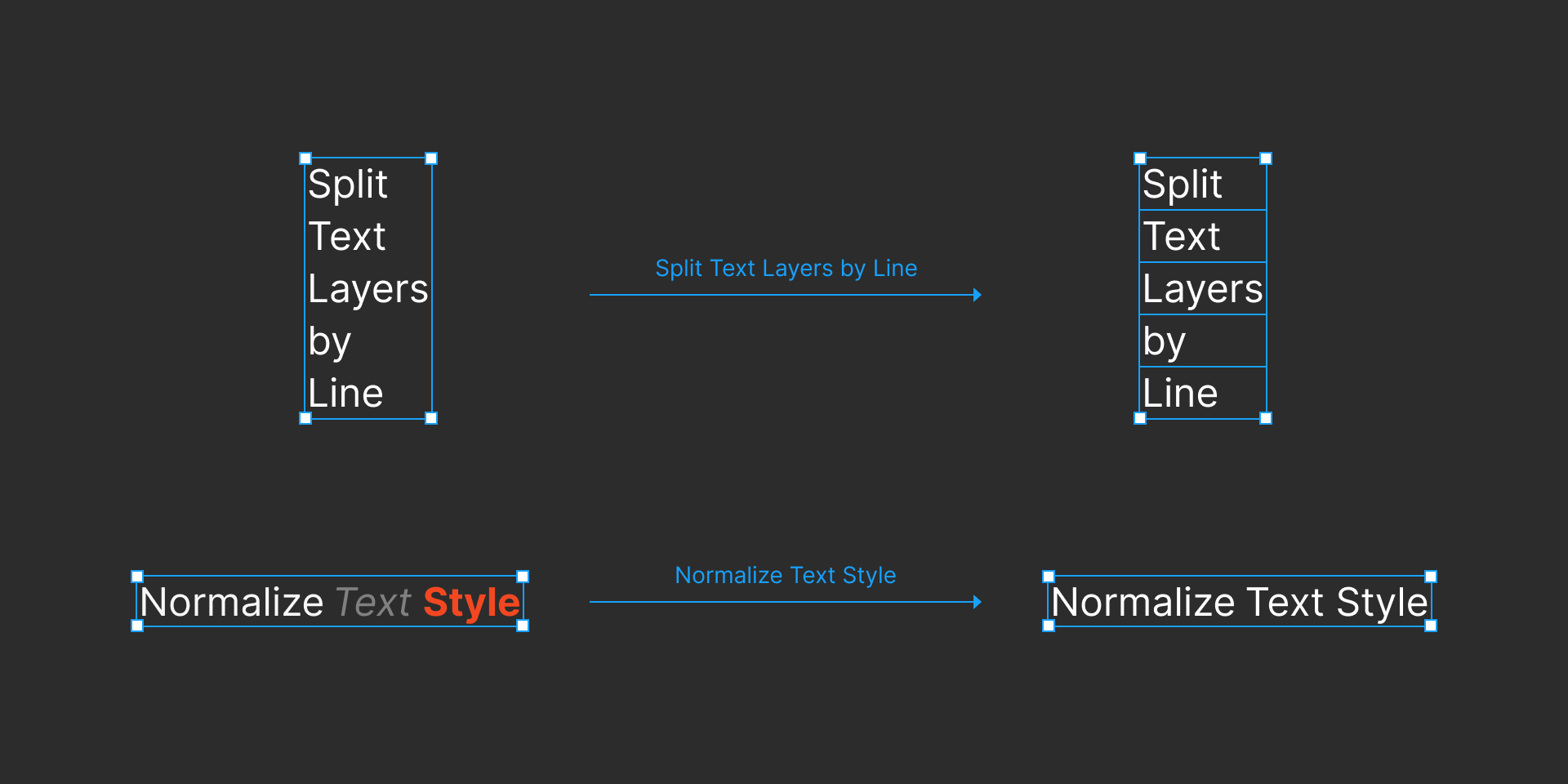
Split each selected text layer into separate text layers that each contain a single line.
Set the style of each selected text layer to follow that of each layer’s first character.
Set the name of the selected text layers to follow their text content.