Website | HuggingFace | Paper |
360-1M is a large-scale 360° video dataset consisting of over 1 million videos for training video and 3D foundation models. This repository contains the following:
- Links to the videos URLs for download from YouTube. We also provide a smaller 24k filtered subset for experimentation.
- Metadata for each video including category, resolution, and views.
- Code for downloading the videos locally and to Google Cloud Platform (recommended).
- Code for filtering, processing, and obtaining camera pose for the videos.
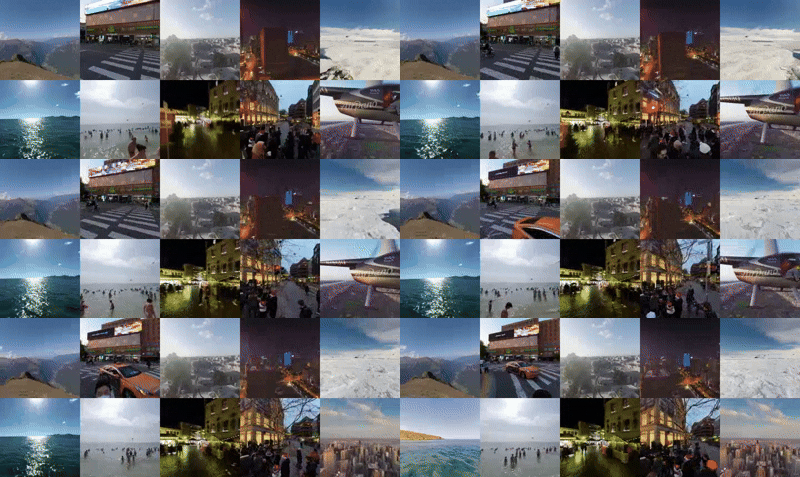
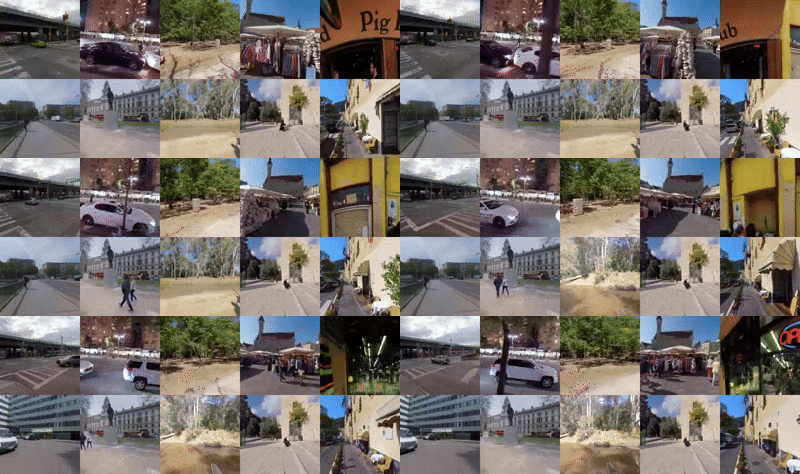
Reference Image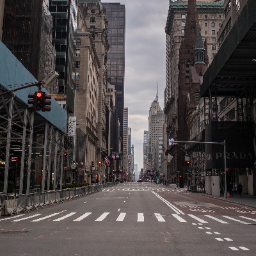 Generated Scene Trajectory 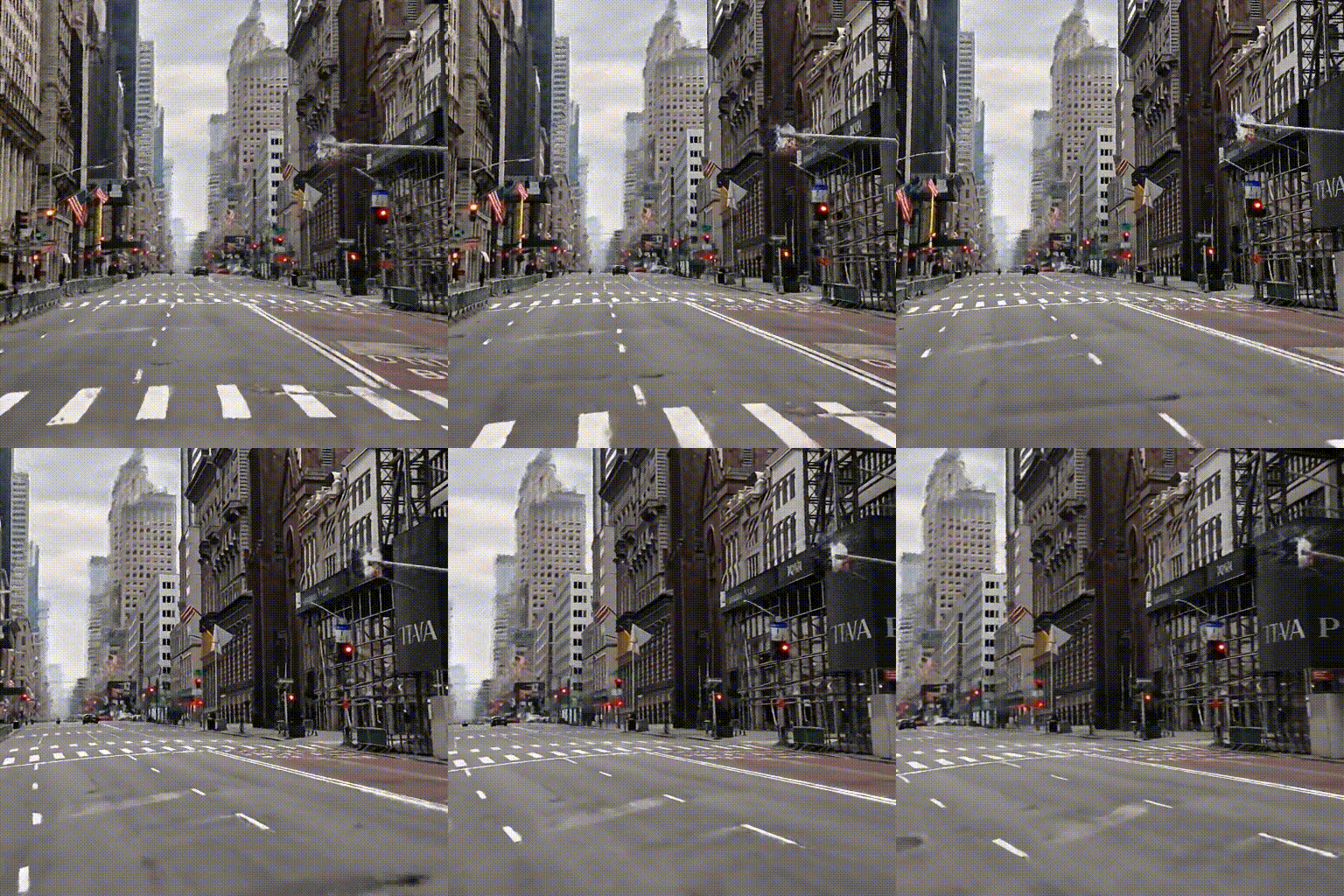 |
Reference Image Generated Scene Trajectory  |
Reference Image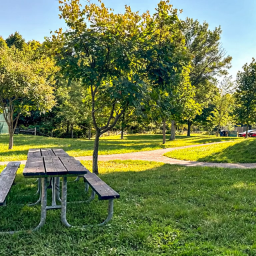 Generated Scene Trajectory 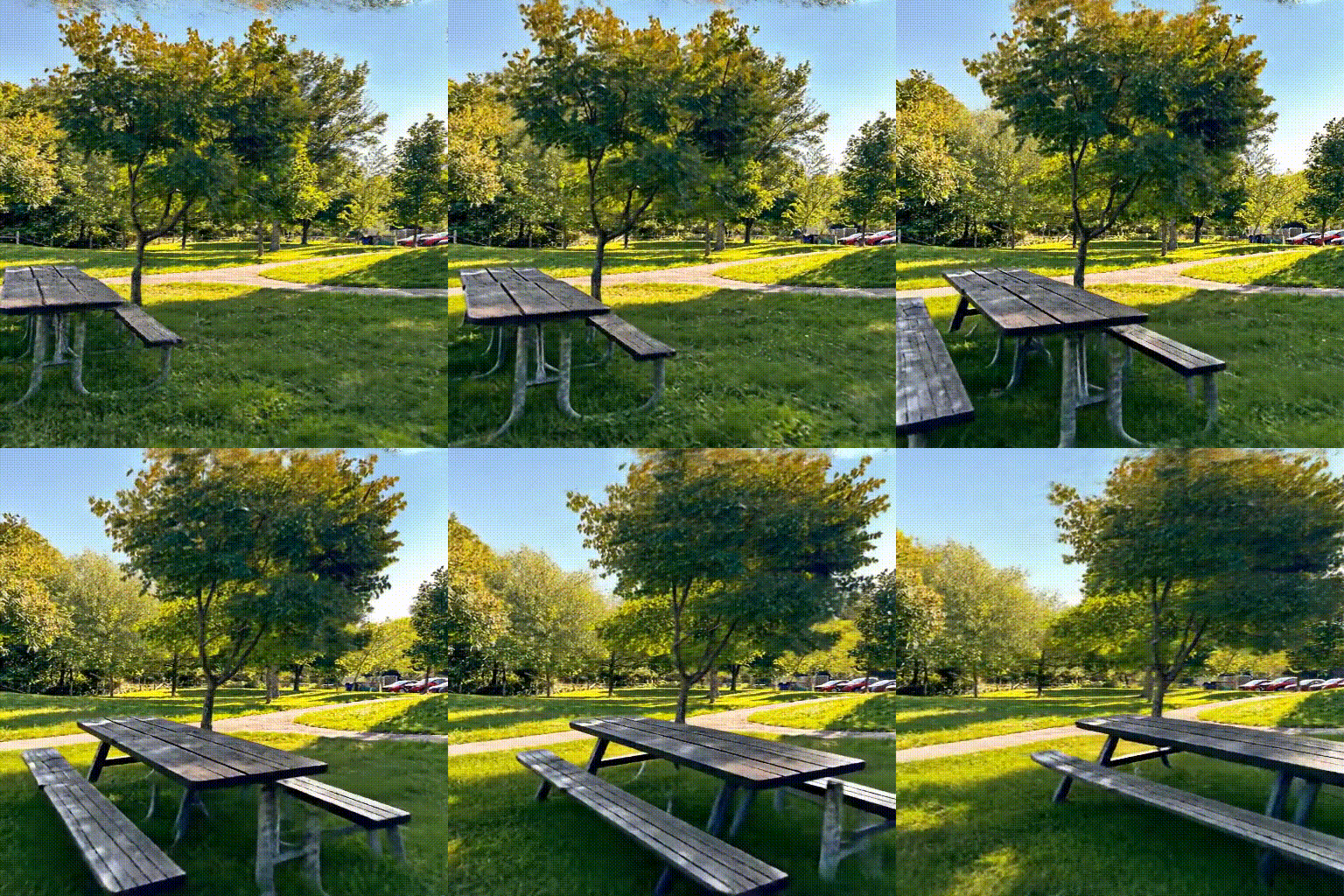 |
|---|
Metadata and video URLs can be downloaded from here: Metadata with Video URLs . The filtered subset which is around 5 TB in size can be found here: Filtered Subset
To download the videos we recommend using the yt-dlp package. To run our download scripts you'll also need pandas and pyarrow to parse the metadata parquet:
#Install packages for downloading videos
pip install yt-dlp
pip install pandas
pip install pyarrow
The videos can be downloaded using the provided script:
python DownloadVideos/download_local.py --in_path 360-1M.parquet --out_dir /path/to/videosor to download the high quality subset:
python DownloadVideos/download_local.py --in_path Filtered_24k.parquet --out_dir /path/to/videosThe total size of all videos at max resolution is about 200 TB. We recommend downloading to a cloud platform due to bandwidth limitations and provide a script for use with GCP.
python DownloadVideos/Download_GCP.py --path 360-1M.parquet
- Create a new Conda environment:
conda create -n ODIN python=3.9
conda activate ODIN
2. Clone the repository:

```bash
cd ODIN
pip install -r requirements.txt
- Install additional dependencies:
git clone https://github.com/CompVis/taming-transformers.git
pip install -e taming-transformers/
git clone https://github.com/openai/CLIP.git
pip install -e CLIP/- Clone the MAST3R repository:
git clone --recursive https://github.com/naver/mast3r
cd mast3r- Install MAST3R dependencies:
pip install -r requirements.txt
pip install -r dust3r/requirements.txt
For detailed installation instructions, visit the MAST3R repository.To extract frames from videos, use the video_to_frames.py script:
python video_to_frames.py --path /path/to/videos --out /path/to/framesExtracting Pairwise Poses Once frames are extracted, pairwise poses can be calculated using:
python extract_poses.py --path /path/to/framesDownload the image-conditioned Stable Diffusion checkpoint released by Lambda Labs:
wget https://cv.cs.columbia.edu/zero123/assets/sd-image-conditioned-v2.ckptRun the training script:
python main.py \
    -t \
    --base configs/sd-ODIN-finetune-c_concat-256.yaml \
    --gpus 0,1,2,3,4,5,6,7 \
    --scale_lr False \
    --num_nodes 1 \
    --check_val_every_n_epoch 1 \
    --finetune_from sd-image-conditioned-v2.ckpt