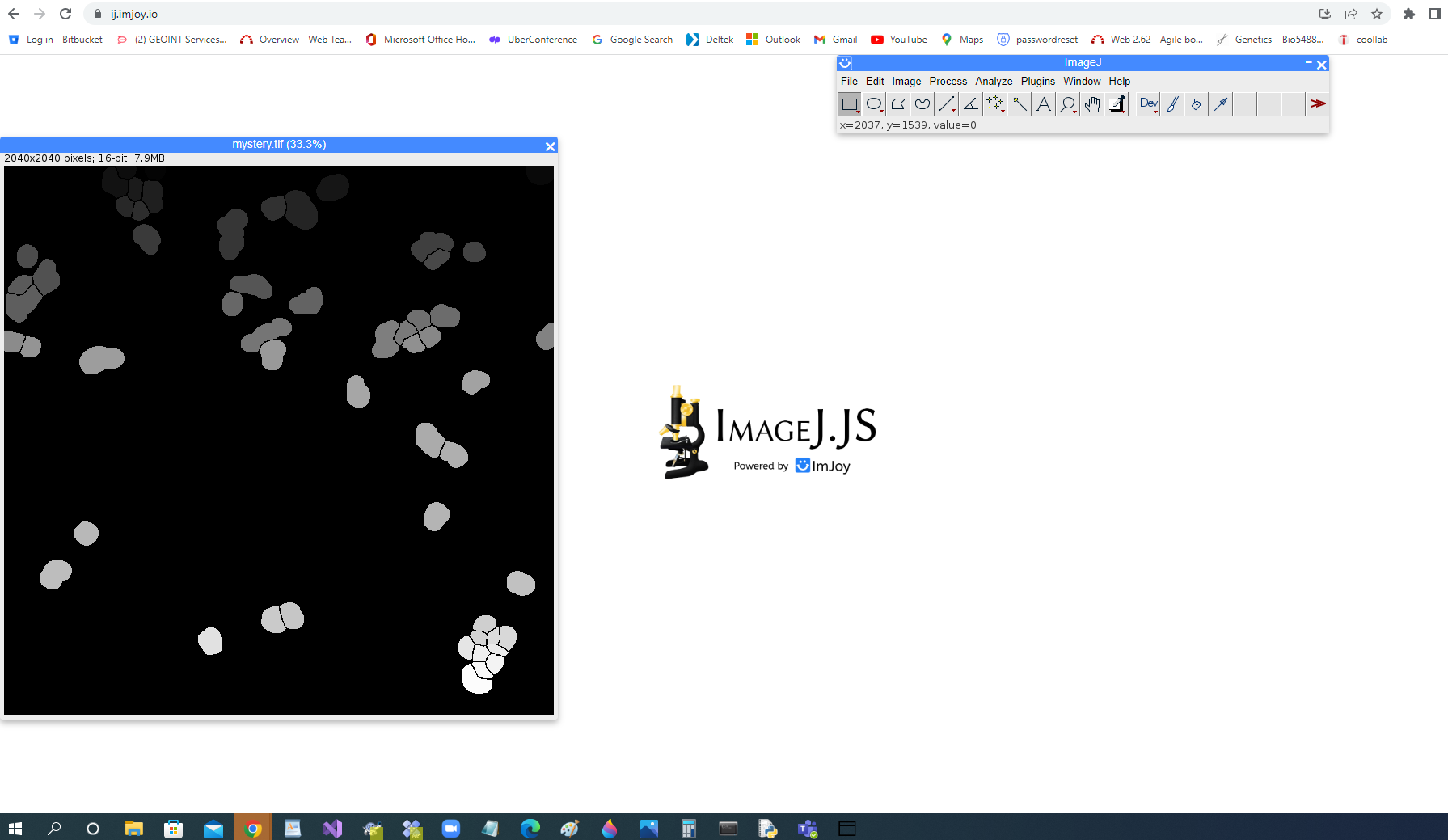
GrayScale Image with high dynamic range being treated as binary #2242

Description

Prerequisites
- I have written a descriptive issue title
- I have verified that I am running the latest version of ImageSharp
- I have verified if the problem exist in both
DEBUGandRELEASEmode - I have searched open and closed issues to ensure it has not already been reported
ImageSharp version
All
Other ImageSharp packages and versions
All
Environment (Operating system, version and so on)
Windows
.NET Framework version
.NET Standard 2.0
Description
byte[] data1 = File.ReadAllBytes("fileinquestion");
SixLabors.ImageSharp.Image img = SixLabors.ImageSharp.Image.Load(data1, decoder);
Steps to Reproduce
very easy just load the image and you will see it is not treated as grayscale even though in Photoshop and in Java Library ImageJ it is clearly GrayScale
Images
https://drive.google.com/file/d/16Xotc-2CJ6HkEJDysfKBkjClkU1OGiyQ/view?usp=sharing