A port of hexo-theme-pure for Hugo. Powerful & Clean. Iconfont
This was previously built but subsequently archived by @xiaoheiAh
Since I mainly don't do considerable amount of front end work these days, I haven't kept up with new HTML, CSS or JavaScript standards over the years.
If you have a very good feature and hope to contribute it, please raise an issue first, so that we can chat about it.
All PRs must link to an issue for context.
This theme is used in the following sites run by @kilasuit
We have a high level plan for the development roadmap that includes
-
Page layouts
-
Responsive design improvements
-
Accessibility Improvements
-
Publishing a release package and publishing this to the Hugo Themes listing
-
Potential forking to other static site generators
-
Multilingual improvements
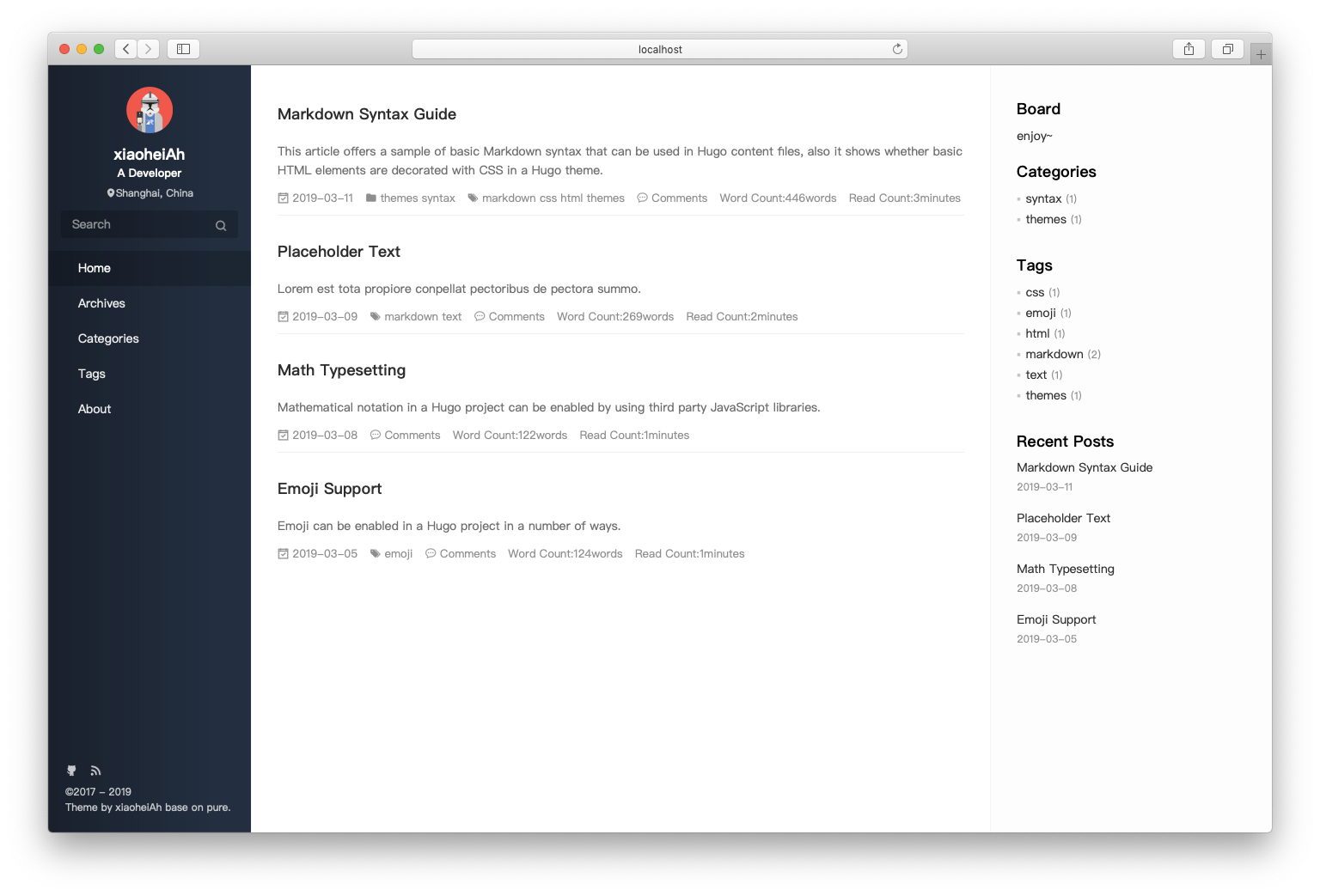
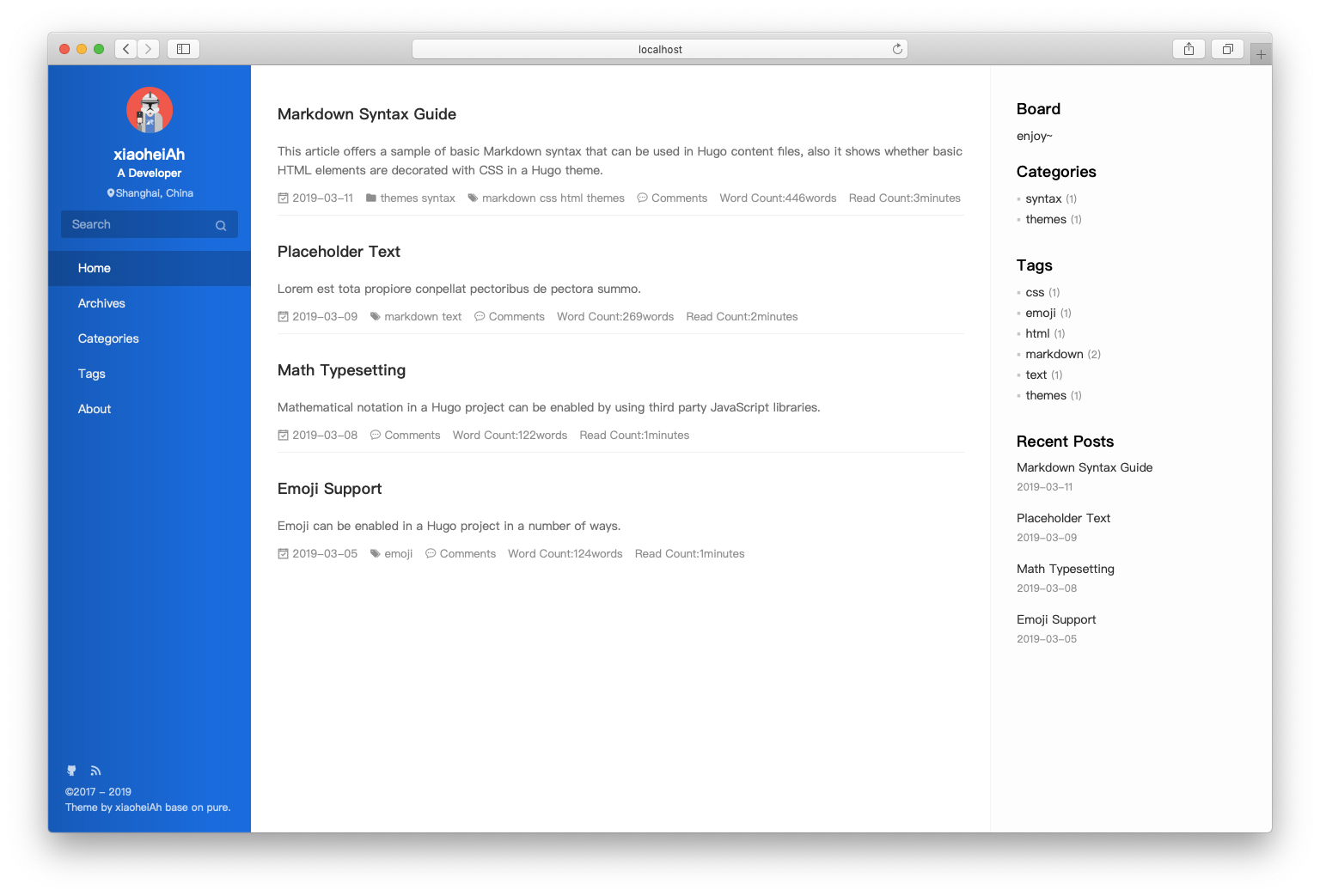
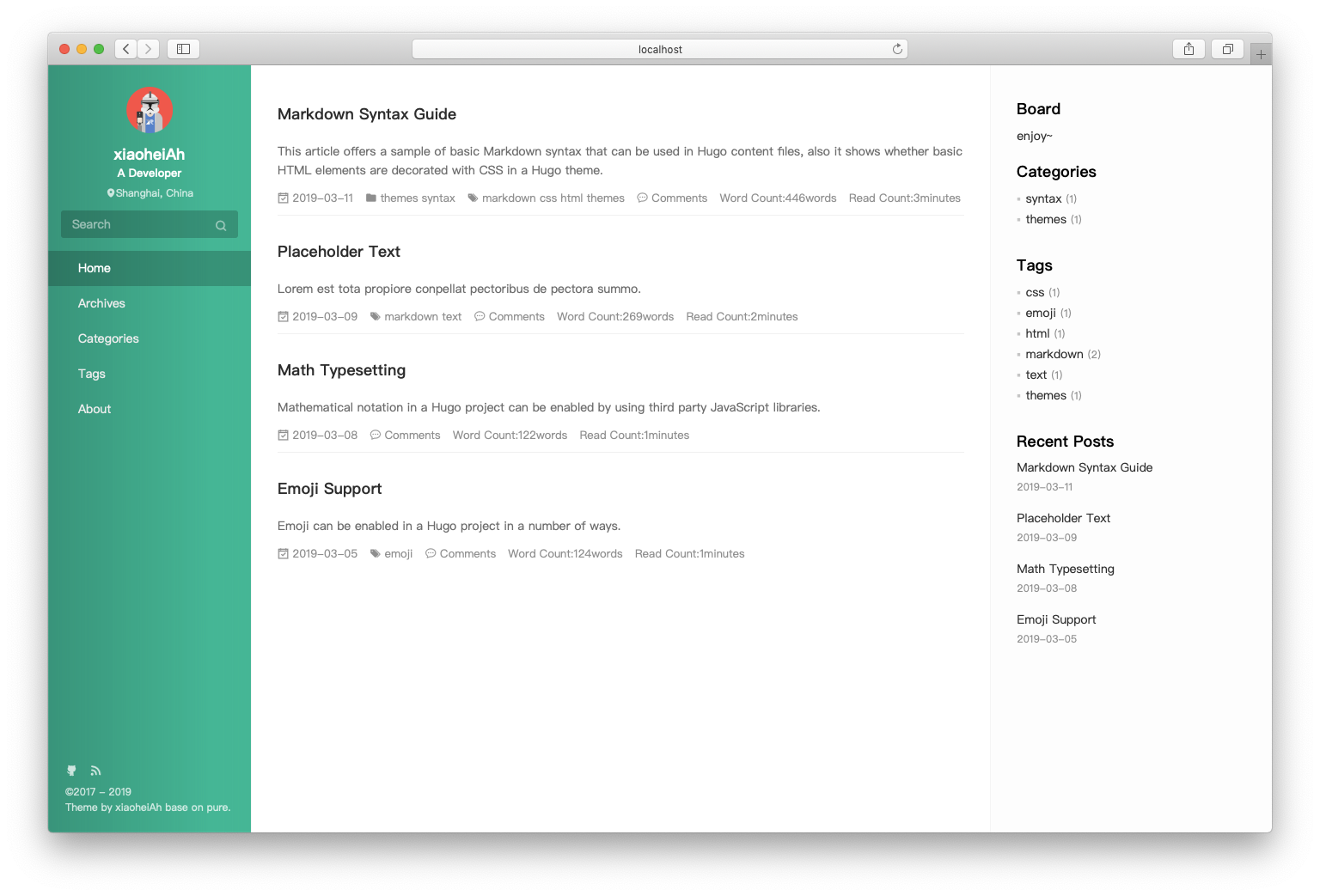
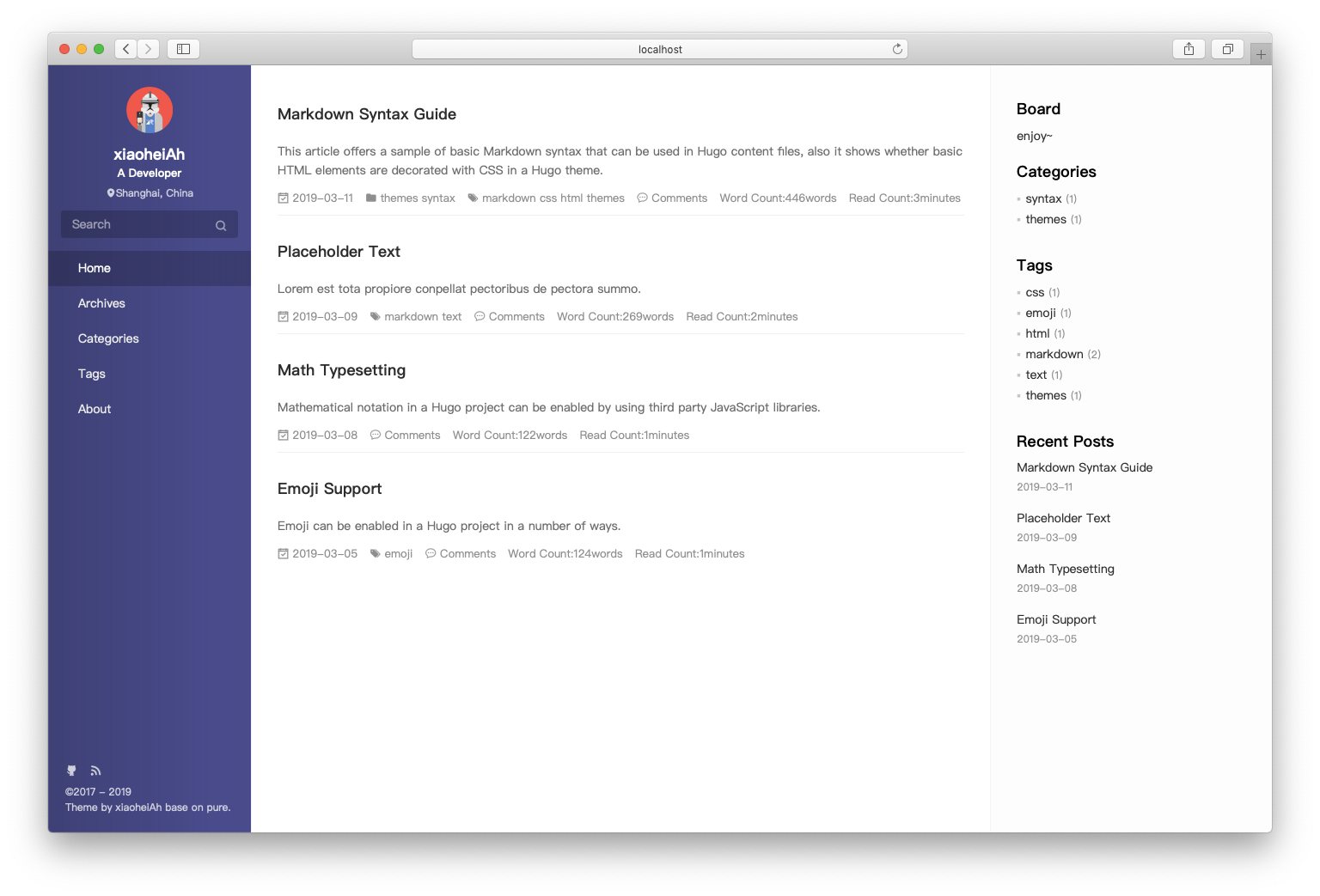
The theme includes multiple color schemes that can be configured using the skin parameter. Available options:
theme-black(default) - Dark charcoal gradienttheme-blue- Blue gradienttheme-green- Green/teal gradienttheme-purple- Purple gradienttheme-yellow- Golden yellow to orange gradienttheme-orange- Orange to red gradienttheme-dark-blue- Dark navy blue gradienttheme-red-deep- Deep burgundy red gradienttheme-red-bright- Bright red gradienttheme-pink- Magenta to coral gradienttheme-turquoise- Teal to turquoise gradienttheme-bright-cyan- Cyan to blue gradienttheme-bright-green- Green to lime gradienttheme-bright-magenta- Magenta to dark purple gradienttheme-bright-yellow- Bright yellow to olive gradienttheme-cyan- Cyan gradienttheme-magenta- Magenta to purple gradient
Configure in your config.yml:
params:
  config:
    skin: theme-blue  # Choose your preferred theme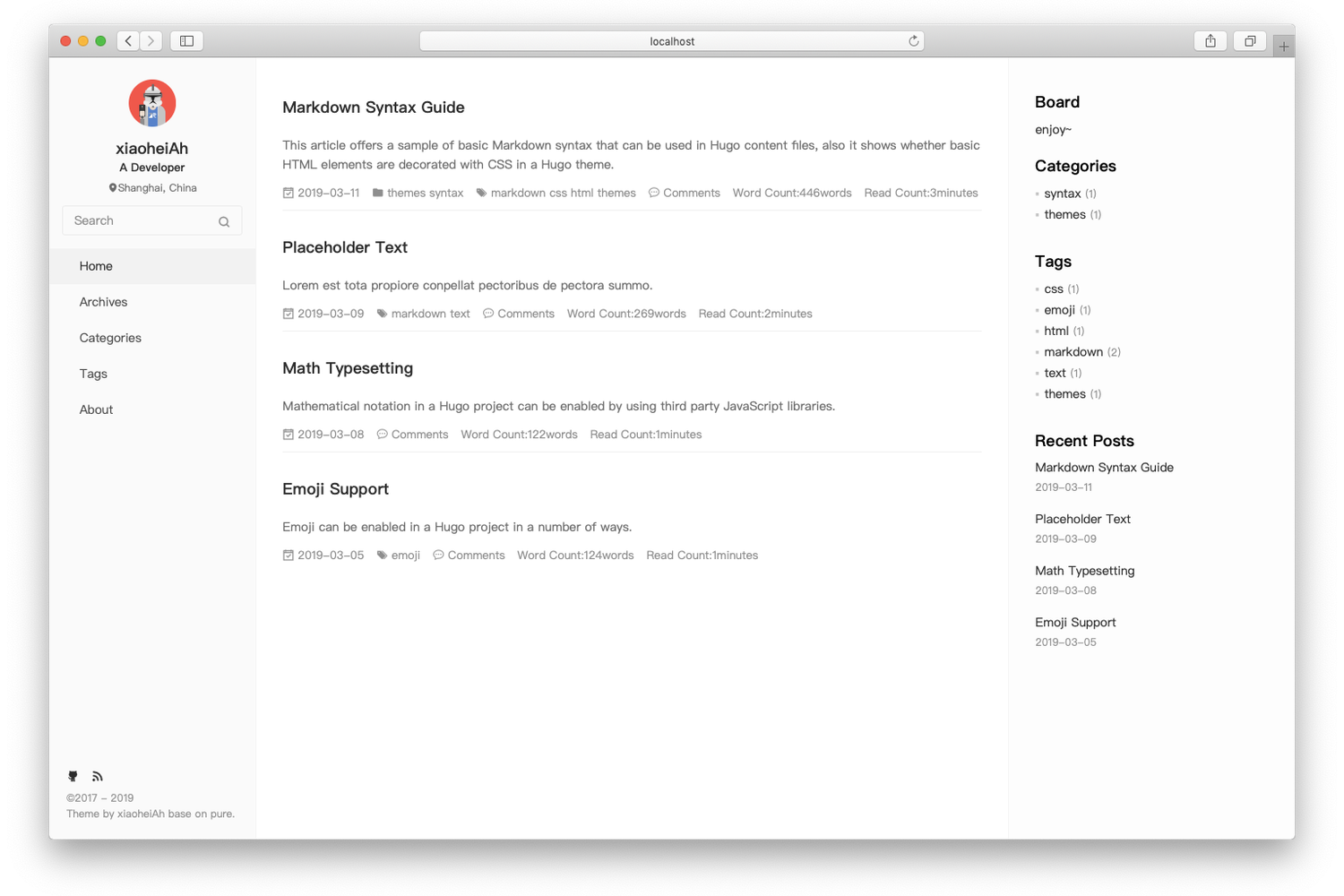
$ cd $HUGO_ROOT
$ git clone https://github.com/kilasuit/hugo-theme-pure themes/pure
$ ./hugo server -t pure-
Please copy the config.yml under the
exampleSitefolder to the root folder of your Hugo Site. Feel free to change it. If you don't like.ymlfile, you can also convert it to you want. -
Your post should under the
postsfolder, like this :hugo new posts/any.md
You should put you images into static folder at your root project. When specify favicon or donate qr code , don't use absolute url like /favicon.ico, please use relative url like favicon.ico or donate/alipay.png
You can configure the menu according to the icons of Iconfont, the following is configuration.
menuIcons:
  enable: true
  home: icon-home-fill
  archives: icon-archives-fill
  categories: icon-folder
  tags: icon-tags
  repository: icon-project
  books: icon-book-fill
  links: icon-friendship
about: icon-cup-fillenable toc
  # config
  config:
toc: true- TOC
- pagination
- Multilingual
Multilingual
Translations are collected from the themes/even/i18n/ folder (built into the theme), as well as present in i18n at your root of project.
You can specify defaultContentLanguage to use translations.
defaultContentLanguage: zh # en,fr...Currently supports English and Chinese, you can see en.yml and zh.yml under pure/i18n. If you want to support other language, you can copy any yml file under i18n and rename to new language, then feel free to translate.
We will maintain a changelog in a dedicated CHANGELOG.MD file
Released under the MIT License.