Use this to hide the steps in the guided exercises.
Look:

Why hide the steps:
-
Challenge yourself to come up with the solution instead of having it handed to you; resulting in the strengthening of the neural pathways involved in finding the solution, hence learning better and faster.
-
Enhance focus by reducing clutter on the screen.
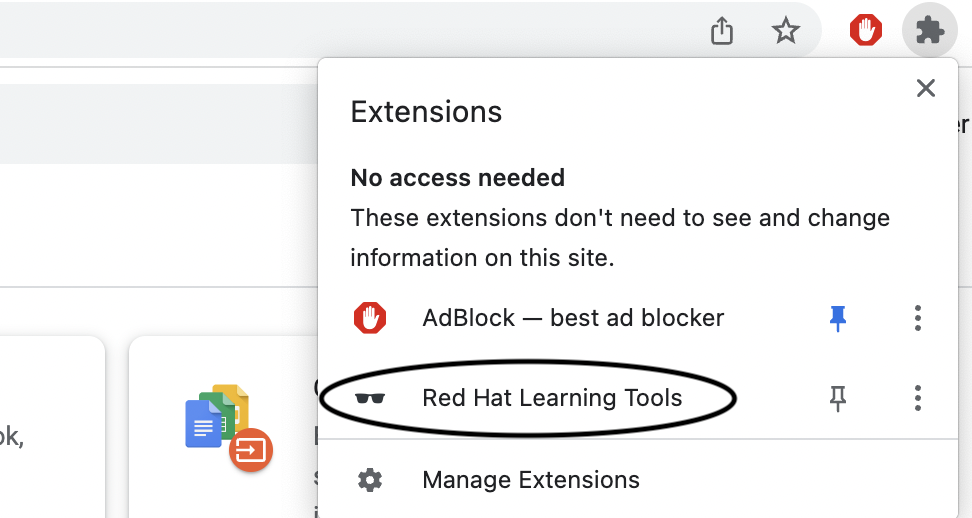
To hide the guided exercise code blocks click on the newly added sunglasses icon next to the star at the top right of the course content.

On Click: All code blocks turn into expandable panels that are collapsed by default.
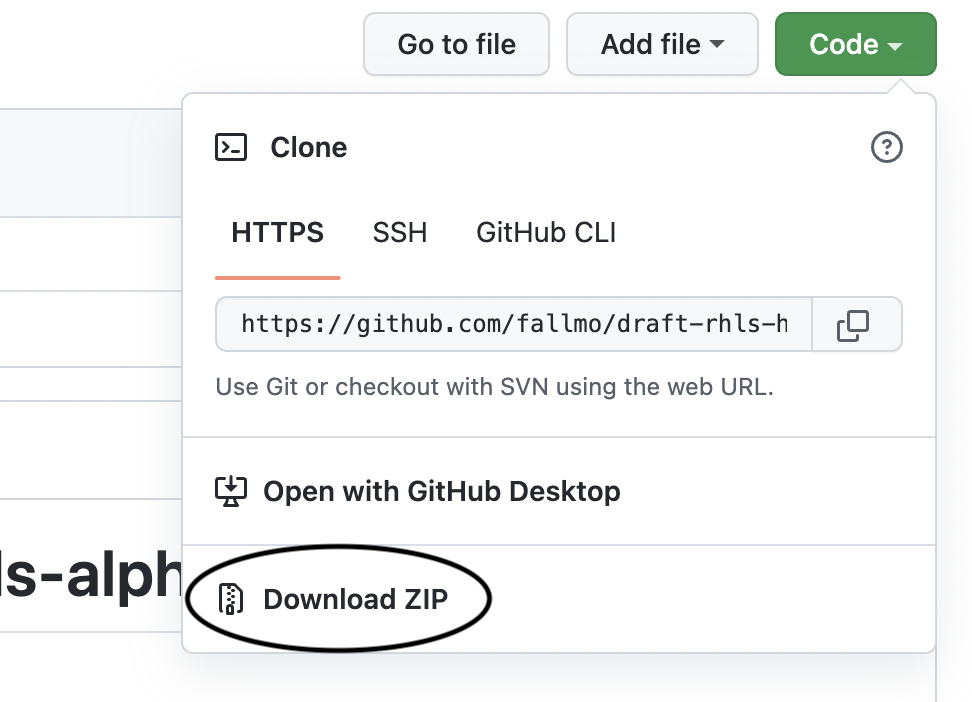
- Download & Extract Source Code
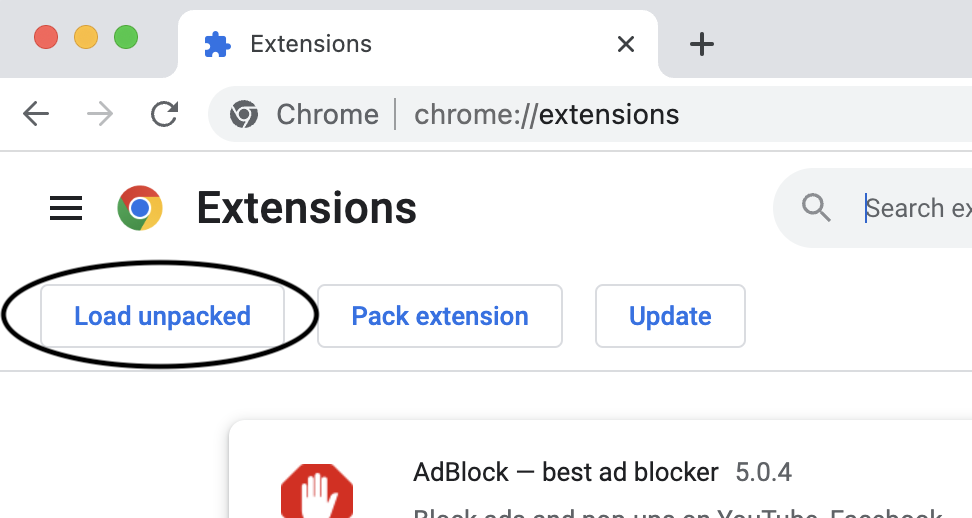
- Navigate to: chrome://extensions
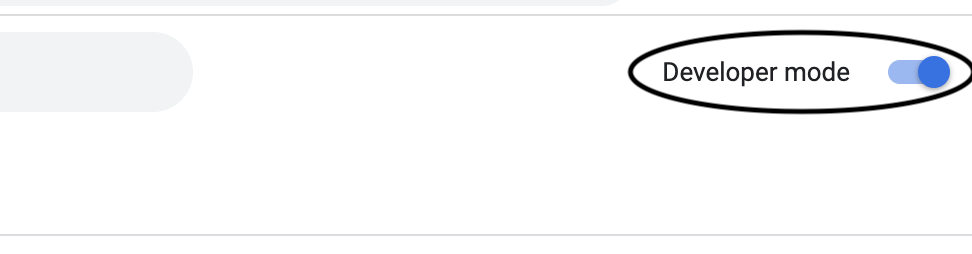
- Activate developer mode
- Load Unpacked and select the chrome directory in the source code downloaded.

You should now have the extension installed.

Anyone is welcome to contribute.
- Fork the repo.
- Create a new branch
git checkout -b new-feature - Commit your changes
git commit -am 'some contributions' - Push to your branch
git push -u origin new-feature - Submit a pull request.
Support the community by supporting the growth of this project and many more projects to come.


MIT
